Keep Your Networking Equipment Up to Date – and Protect Your Home Network from Outages and Security Risks

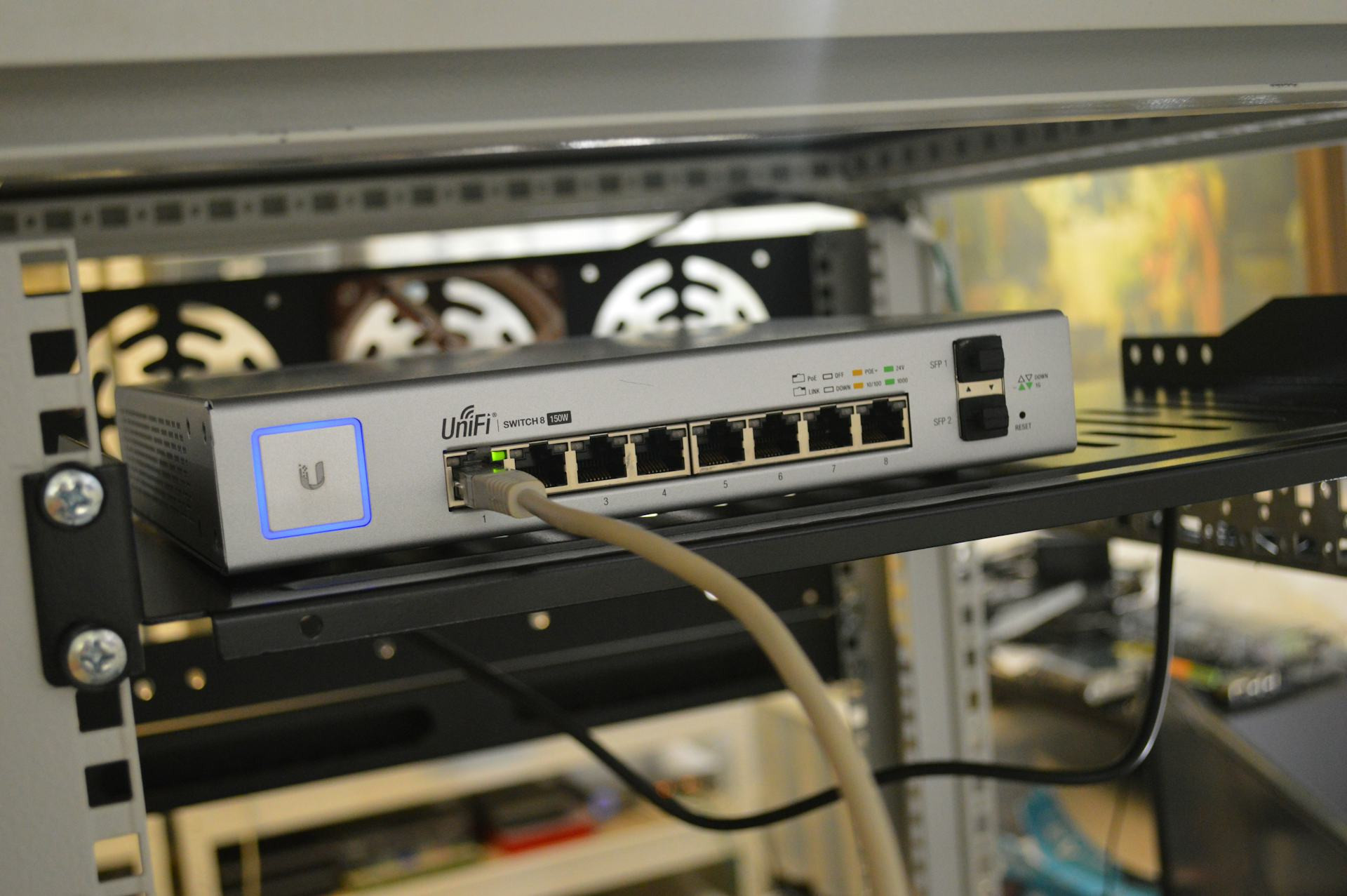
Keep Your Networking Equipment Up to Date – and Protect Your Home Network from Outages and Security Risks
In today’s connected homes, everything from laptops and smartphones to smart TVs, speakers, and security cameras relies on a stable internet connection. But many people forget that routers, mesh systems, and other networking devices need regular maintenance and updates—just like computers and phones. Without them, you risk slower performance, dropped connections, and increased vulnerability to cyberattacks. Here’s how to keep your networking equipment up to date and your home network safe.
Why Updates Matter
Your router and other network devices run on software called firmware, which controls how they operate. Manufacturers release firmware updates to fix bugs, improve performance, and patch security flaws. If you don’t install these updates, your equipment can become an easy target for hackers who exploit known weaknesses.
Firmware updates can also boost your Wi-Fi speed and reliability. Many updates optimize signal strength, channel selection, and support for newer standards like Wi-Fi 6 and Wi-Fi 6E. That means you’ll enjoy a faster, more stable, and more secure network.
How to Check if Your Router Is Up to Date
Most modern routers can update automatically, but it’s still a good idea to check manually a few times a year. The process varies by brand, but generally follows these steps:
- Log in to your router’s admin page – usually through a web address (like 192.168.1.1) or the manufacturer’s mobile app.
- Find the firmware or system update section.
- Check for available updates and install them.
- Restart your router once the update is complete.
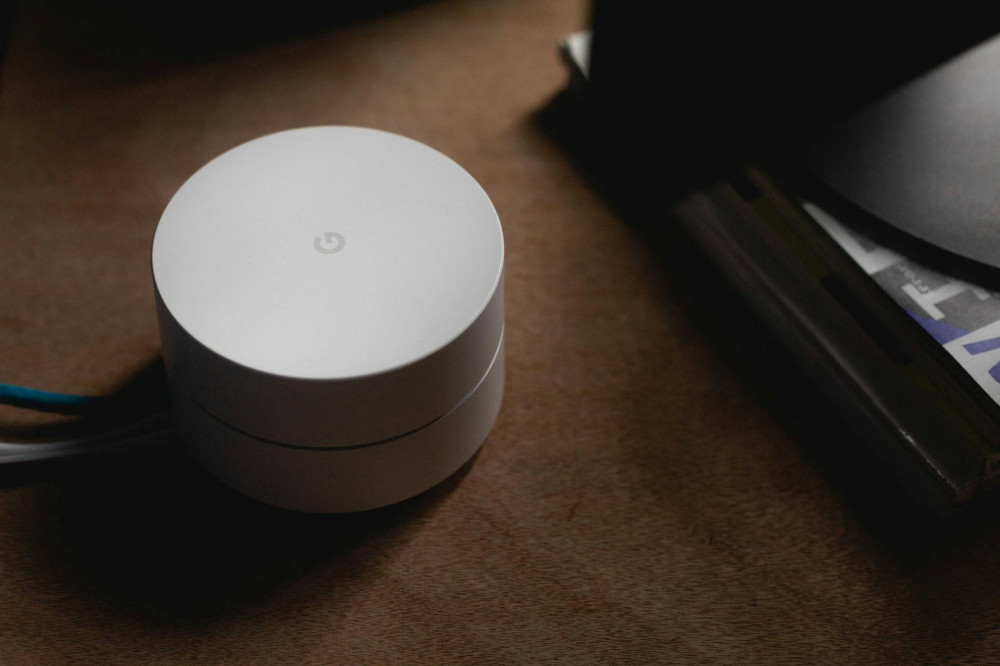
If you use a mesh Wi-Fi system, updates often happen automatically in the background, but you can still verify the status in the app.
Change Default Settings – and Use Strong Passwords
One of the most common security mistakes is leaving your router on its factory settings. Default usernames and passwords are often public knowledge and can be easily exploited.
- Always change the administrator password to something unique and strong.
- Use WPA3 encryption (or WPA2 if WPA3 isn’t supported) for your Wi-Fi network.
- Set up separate networks—for example, a guest network for visitors and smart devices—so they don’t have access to your personal files.
These simple steps can dramatically improve your home network’s security.
Læs også:

Watch Out for Aging Equipment
Even the best router won’t last forever. Manufacturers typically stop releasing updates after about 4–6 years, leaving older devices increasingly vulnerable. If your router is that old—or if it doesn’t support modern Wi-Fi standards—it’s probably time to replace it.
Newer models not only deliver faster speeds but also include better security features such as automatic updates, built-in firewalls, and network monitoring tools. Upgrading can be a worthwhile investment that enhances both your safety and your online experience.
Prevent Network Outages
Updates aren’t just about security—they can also prevent connection issues. Outdated firmware can cause dropped connections, slow speeds, or random reboots.
You can also take a few practical steps to keep your network running smoothly:
- Place your router in a central, open location for the best coverage.
- Avoid overloading your network by disconnecting devices you’re not using.
- Restart your router occasionally to clear temporary errors and free up memory.
A little attention goes a long way toward keeping your home network stable and reliable.
Make It a Habit
Keeping your networking equipment updated should be part of your regular digital routine—just like updating your computer or smartphone. Set a reminder a couple of times a year to check for updates and review your network settings.
By combining regular updates with smart security habits, you can protect your data, safeguard your privacy, and ensure your home network stays fast and dependable for years to come.
Læs også: